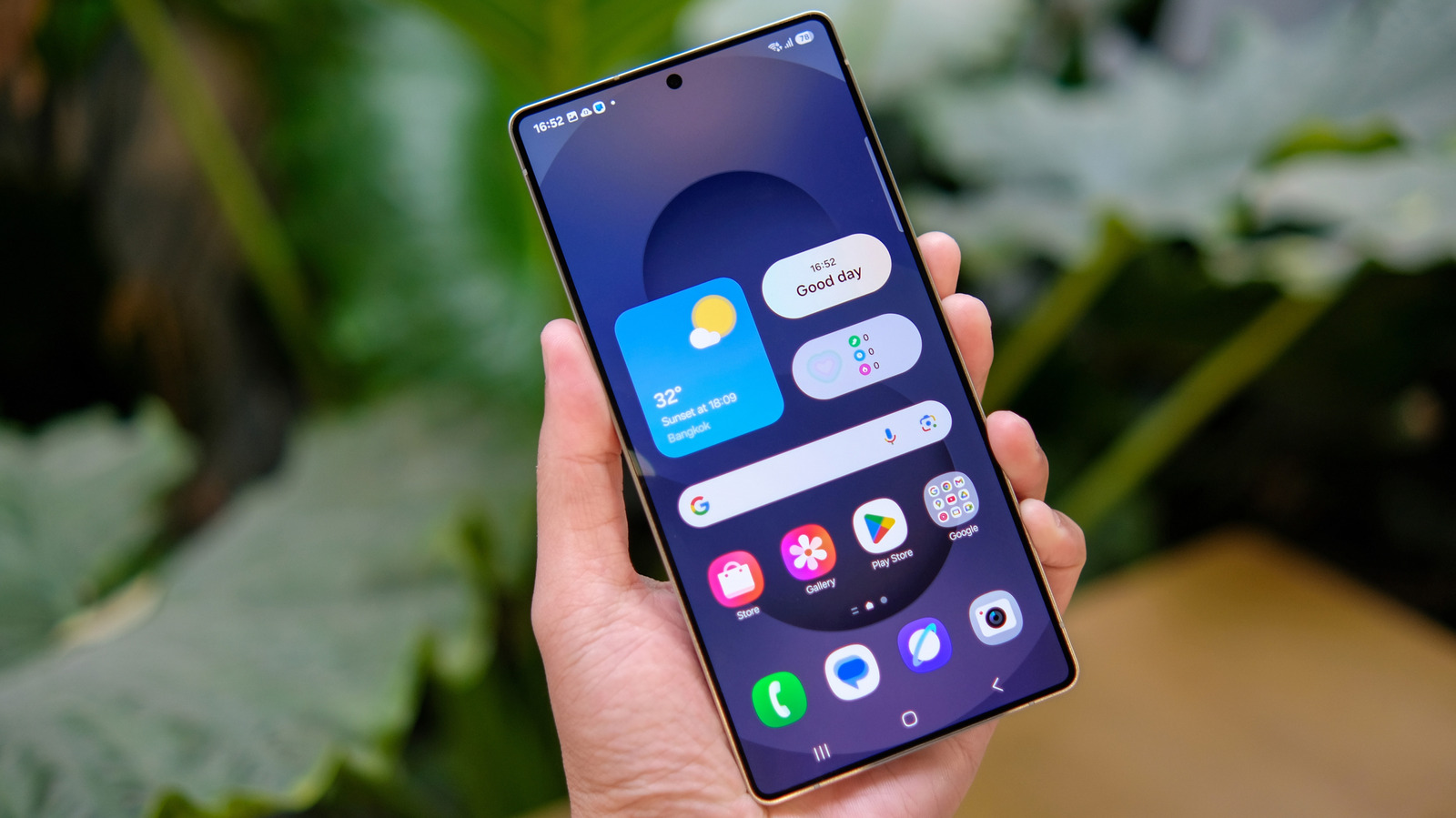
Samsung quietly dropped the all apps button from the One UI home screen, removing the familiar shortcut that generations of Galaxy owners have tapped to open their app drawer. The good news: it isn't gone for good.
According to Engadget, restoring the button takes a single toggle in settings. Users who prefer the explicit on-screen button over swipe gestures can flip it back on and have their home screen behave the way it always has.
The removal fits a broader pattern across Android skins, where manufacturers keep nudging users toward gesture-first navigation and cleaner home screens. Swiping up to reveal the app drawer has been the default-forward design for years, and dedicated buttons are increasingly treated as legacy clutter to be hidden rather than options to be surfaced.
That logic works fine for users who have internalized the gestures — and annoys everyone else. Samsung at least left the escape hatch in place. If your Galaxy's home screen suddenly feels like something's missing, the fix is a trip to settings, not a workaround or a third-party launcher.
Discussion 0
Join the debate — sign in to comment.
Sign inNo comments yet — start the debate.